
Leave Your Message

Why Choose the Right Terminals for Your Business?

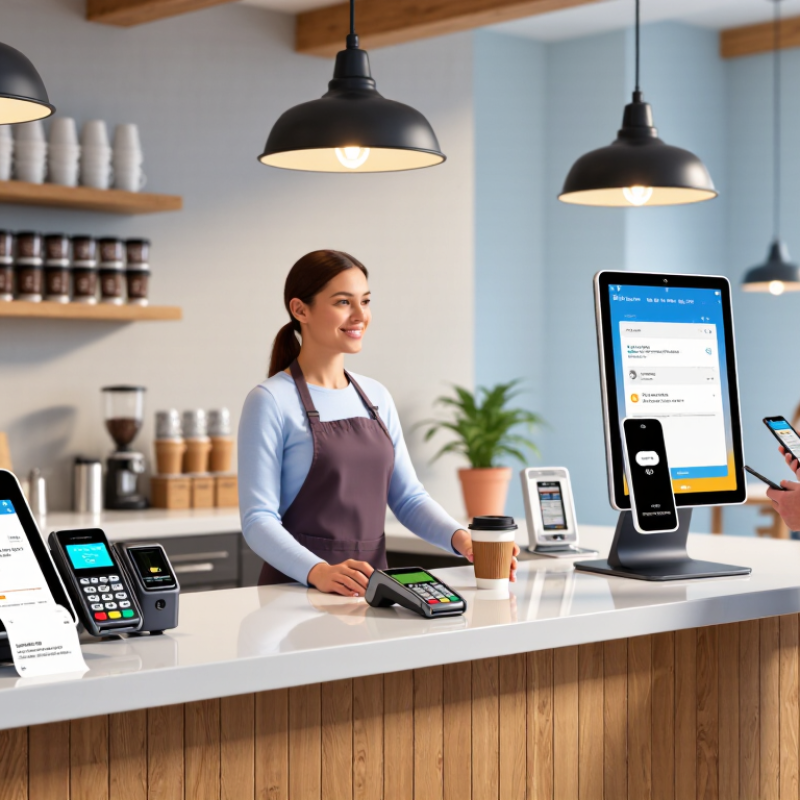
Choosing the right Terminals is not just a purchasing decision. It shapes how customers pay and how staff work each day. A countertop reader, handheld unit, or self-service kiosk can suit very different business rhythms. For a café, a compact terminal may keep a narrow counter moving. For a delivery team, battery life and reliable wireless connectivity matter more. Small details count.

Don Norman is a design expert and author of The Design of Everyday Things. He wrote, “Good design fits our needs so well that the design is invisible.” His observation applies to payment terminals. Staff should not need to pause to find a menu, repeat a transaction, or explain an unclear prompt. A smooth checkout often feels uneventful. That is the point.

A sound choice starts with real operating conditions, not a glossy feature list. Check which payment methods the device supports, how it connects with existing point-of-sale software, and what support is available if it stops working. Compare purchase or rental costs, transaction fees, replacement terms, and update processes. Ask staff to test the screen, keypad, receipt flow, and connection during a busy shift. Specifications can help, but they can also hide awkward steps. One “best” terminal will not suit every business. The right fit depends on transaction volume, locations, staff needs, and plans for growth. This guide explores those trade-offs and offers a practical way to evaluate Terminals before committing.
Why Choose the Right Terminals for Your Business?

What Business Terminals Are and How They Work

A business terminal is the point where a sale becomes an authorized payment. It may be a countertop reader, a handheld device, or software linked to a checkout system. The customer taps, inserts, or swipes a card, or uses a digital wallet. The terminal captures payment details and sends an authorization request through a processor to the customer’s bank. The bank approves or declines it. That is the handoff. Approved transactions are later grouped and settled, moving funds to the business account.

The device also handles practical details: showing the amount, prompting for a PIN when required, and recording the result for receipts and reconciliation. Secure terminals protect payment data during transmission; businesses should check that equipment and software support current security requirements. The Federal Reserve’s 2024 Diary of Consumer Payment Choice found that U.S. consumers made 16% of payments in cash in 2023, while debit and credit cards accounted for 30% and 32%. That mix matters. A terminal that accepts only one payment method may leave customers reaching for another option. Yet more features can mean extra setup and training. A busy café counter, for example, needs a readable screen and a quick tap response—not a menu staff must study during the lunch rush. Even a well-chosen terminal can occasionally slow a line.

Common Types of Terminals Used by Businesses

Why Choose the Right Terminals for Your Business?

Common Types of Terminals Used by Businesses

Businesses use different terminals to take payments and serve customers. A countertop payment terminal suits a staffed checkout, where a cashier can confirm the total and pass the device across the counter. These units often connect through a wired network or Wi-Fi. A stable connection matters when a queue is forming. Small details matter.

Handheld terminals let staff accept payments beside a table, at a service desk, or during a home visit. They reduce trips back to a fixed register, but battery life and wireless coverage need regular attention. Self-service kiosks work well for repeat tasks, such as ordering food or checking in. Clear prompts and readable screens make them easier to use; confusing menus can slow customers down.

Some businesses also use virtual terminals, which let staff enter payment details through a secure web interface during phone orders. They can be useful when customers are not present, but they are not a substitute for checking access controls and handling information carefully. The right mix depends on transaction volume, workspace, staff training, and customer needs. There is no perfect setup. A handheld unit may save steps, while a fixed terminal can feel more dependable during a rush. Test devices in real working conditions before choosing.

Why Choose the Right Terminals for Your Business? - Common Types of Terminals Used by Businesses

Terminal Type Typical Business Use How It Works Key Advantages Considerations
Countertop Payment Terminal In-person payments at fixed checkout counters, such as retail stores, restaurants, and service desks. Connects to a payment system through a wired or wireless network and accepts supported card or contactless transactions. Provides a dedicated checkout device and is well suited to predictable, fixed payment locations. May be less convenient where staff need to take payments away from the counter. Network and power requirements vary by model.
Integrated Point-of-Sale (POS) Terminal Businesses that need to manage sales and payments together, including shops and hospitality businesses. Combines or connects checkout software, a payment device, and sometimes peripherals such as a receipt printer or barcode scanner. Can link payment transactions with sales records, inventory, and receipts, reducing separate manual entry. Compatibility between software, payment hardware, and peripherals should be checked before setup. Features depend on the system selected.
Mobile POS Terminal Table service, pop-up shops, markets, delivery operations, and other settings where staff move around. Uses a portable device, often with wireless connectivity, to take payments and may also run POS software. Enables payments away from a fixed checkout and can support flexible service layouts. Battery life, wireless coverage, device security, and payment acceptance capabilities should be considered.
Virtual Terminal Remote or phone-based sales, reservations, and other situations where a business enters payment details without the card being physically presented. Allows an authorized user to enter transaction information through a web-based payment interface. Can accept payments without a dedicated in-person card terminal and is useful for some remote-payment workflows. Because payment details are entered manually, businesses should review applicable security requirements, procedures, and any transaction fees.
Self-Service Kiosk Terminal Customer-led ordering, check-in, ticketing, or payment in locations such as food service, healthcare, and transport. Customers use a touchscreen interface to complete selected tasks, which may include placing an order or making a payment. Can handle routine customer tasks and reduce reliance on staff for each transaction. Requires suitable placement, accessible interface design, maintenance, and a clear option for assistance when needed.
Unattended Payment Terminal Payments at self-service or unattended locations, such as parking facilities, vending machines, and automated access points. Installed in or beside equipment so customers can initiate a payment without a cashier present. Supports payment collection at locations that operate with limited or no on-site staff. Installation environment, connectivity, physical durability, accessibility, and remote monitoring needs should be assessed.

How Terminals Support Everyday Business Operations

Why Choose the Right Terminals for Your Business?

How Terminals Support Everyday Business Operations

A reliable terminal keeps routine transactions moving, from a busy checkout to a service desk taking deposits. Staff can enter totals, accept payments, and provide receipts without switching between several tools. That saves small amounts of time throughout the day. Small delays matter. A clear screen and responsive keypad also help reduce entry mistakes, especially when queues build or employees are training.

Tips: Check how the terminal connects before choosing it. Test Wi-Fi or wired connections in the actual work area, not just the office. Confirm that receipts are easy to print and that staff can follow the payment steps without repeated help. Test it daily.

The right setup depends on the work. A counter may need a fixed terminal, while a mobile team may value a lightweight device with dependable battery life. Compatibility with existing checkout or accounting systems is worth checking early. One detail businesses can underestimate is placement: a screen facing the wrong way can slow staff and make customers unsure where to look. No device fixes a confusing workflow, and the best choice may take a little trial and adjustment.

Key Factors to Consider When Choosing a Terminal

Choosing a terminal starts with the way customers pay. Check whether it accepts chip cards, contactless payments, and mobile wallets. Then consider where transactions happen: at a fixed counter, tableside, or at temporary sales points. A busy lunch queue can reveal practical needs that a product sheet may miss. Speed matters. So does a clear screen.

Match the device to your transaction volume and daily environment. A small counter may need a compact terminal, while a high-volume checkout benefits from quick processing and simple staff prompts. Look at Wi-Fi, mobile connectivity, battery life, and backup options. If the connection drops, can staff still record sales safely and reconcile them later? Forecasts are often wrong, so leave room for growth without paying for capacity you may never use.

Check how the terminal connects with your point-of-sale software, accounting tools, and receipt process. Ask about setup, staff training, maintenance, and support response times. Security deserves the same scrutiny: confirm that the provider explains data protection, updates, and relevant payment-security requirements in plain language. Compare the full cost, including rental or purchase fees, transaction charges, and replacement terms. The cheapest option can become awkward when a cable fails or support is slow. Test the device in a realistic workflow before committing; a feature that looks useful may frustrate staff during a crowded shift.

Why Choose the Right Terminals for Your Business?

Key Factors to Consider When Choosing a Terminal

The chart compares five practical considerations: payment security, payment method compatibility, integration, transaction speed, and total cost. Scores are illustrative planning ratings on a 1–5 scale, not survey results; adjust them to reflect your business’s needs.

How the Right Terminal Affects Security, Costs, and Growth

Choosing a payment terminal is a security and operating decision, not just a hardware purchase. Look for encrypted transactions, secure software updates, role-based access, and clear activity logs. These features help limit exposure and make unusual activity easier to investigate. The 2024 Data Breach Investigations Report found that 68% of breaches involved a human element. That figure covers many kinds of organizations, not terminals alone, but it shows why staff access and routine procedures matter.

Costs show up beyond the purchase price. A slow device can lengthen queues; poor integration can force staff to enter sales twice. Check processing fees, repair terms, connectivity options, and compatibility with your existing checkout system. Then test the terminal during a busy shift. Small delays add up. There is no perfect setup, and a feature-rich device may not justify its price for a small shop.

Growth depends on giving customers practical ways to pay while keeping checkout reliable. The Federal Reserve’s 2024 Diary of Consumer Payment Choice reported that U.S. consumers made an average of 46 payments monthly in 2023, using a mix of payment methods. A terminal that supports the methods your customers actually use can reduce abandoned purchases and ease expansion to another location. Review usage data regularly; assumptions about customer preferences can be wrong.